The ultimate Bitcoin watch-only wallet.
Follow every wallet you own from its descriptor or public key, on your desktop and in your pocket.
Free and open source · Linux, Windows, macOS and Android
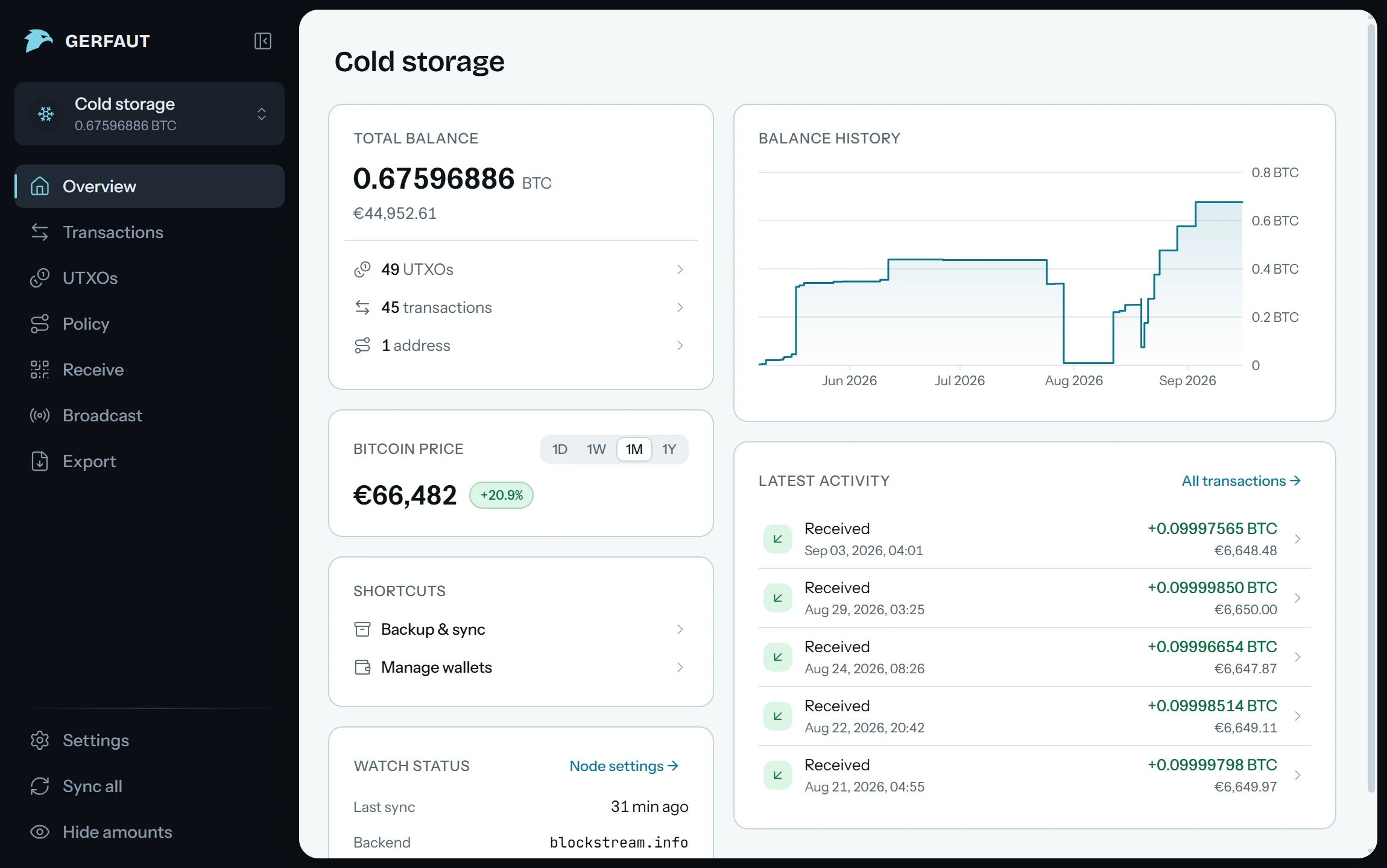
Watch any wallet you already have.
Paste it, open a file or scan a QR code, static or animated.
- Descriptor Output descriptors, BIP‑380
- xpub xpub, ypub, zpub and their testnet twins
- Address One address, watched on its own
- Multisig Any m‑of‑n, sorted or not
- Miniscript Timelocks and recovery paths
- BSMS Coordinator exports, BIP‑129
- Mainnet, signet, testnet4 and regtest
- Several wallets at once, named, iconed, reordered
- Exports from other wallets read as they are
Also in your pocket.
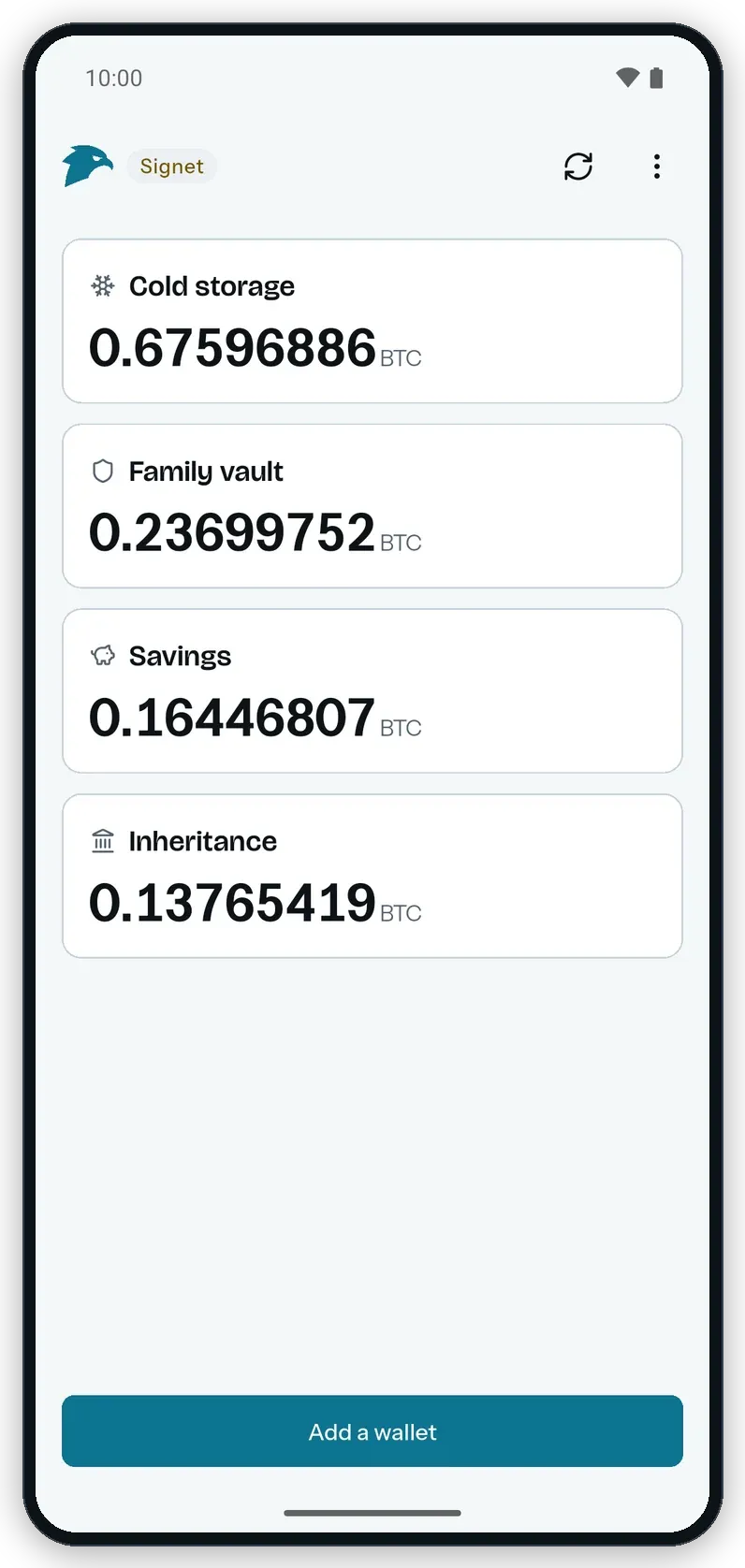
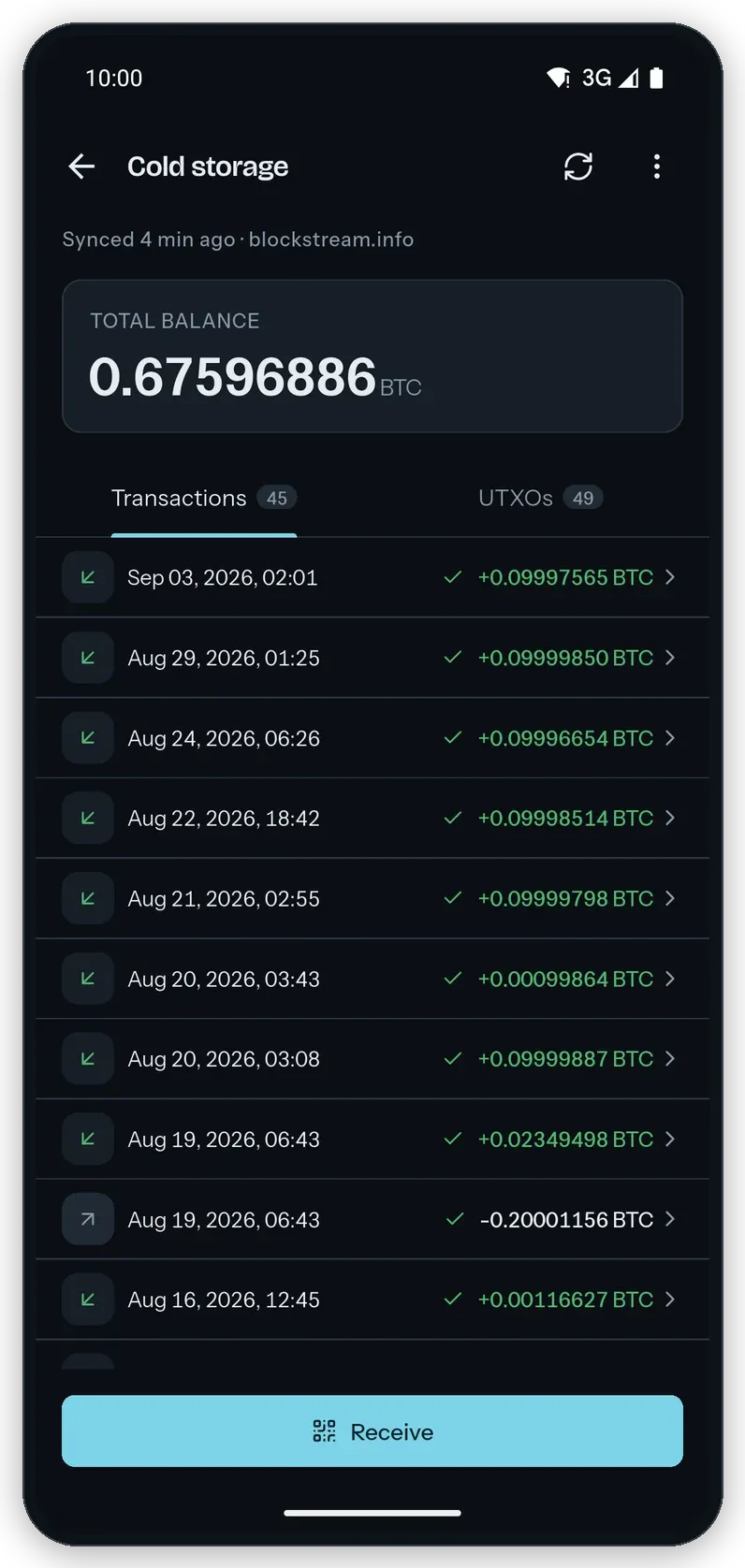
The same wallets on Android, carried over from the desktop by scanning an animated QR code.
- Every wallet on one screen, with its icon and its balance
- Home screen widgets, amounts hidden if you say so
- Live notifications in the background, even after a reboot, through the backend you chose
- Light and dark mode
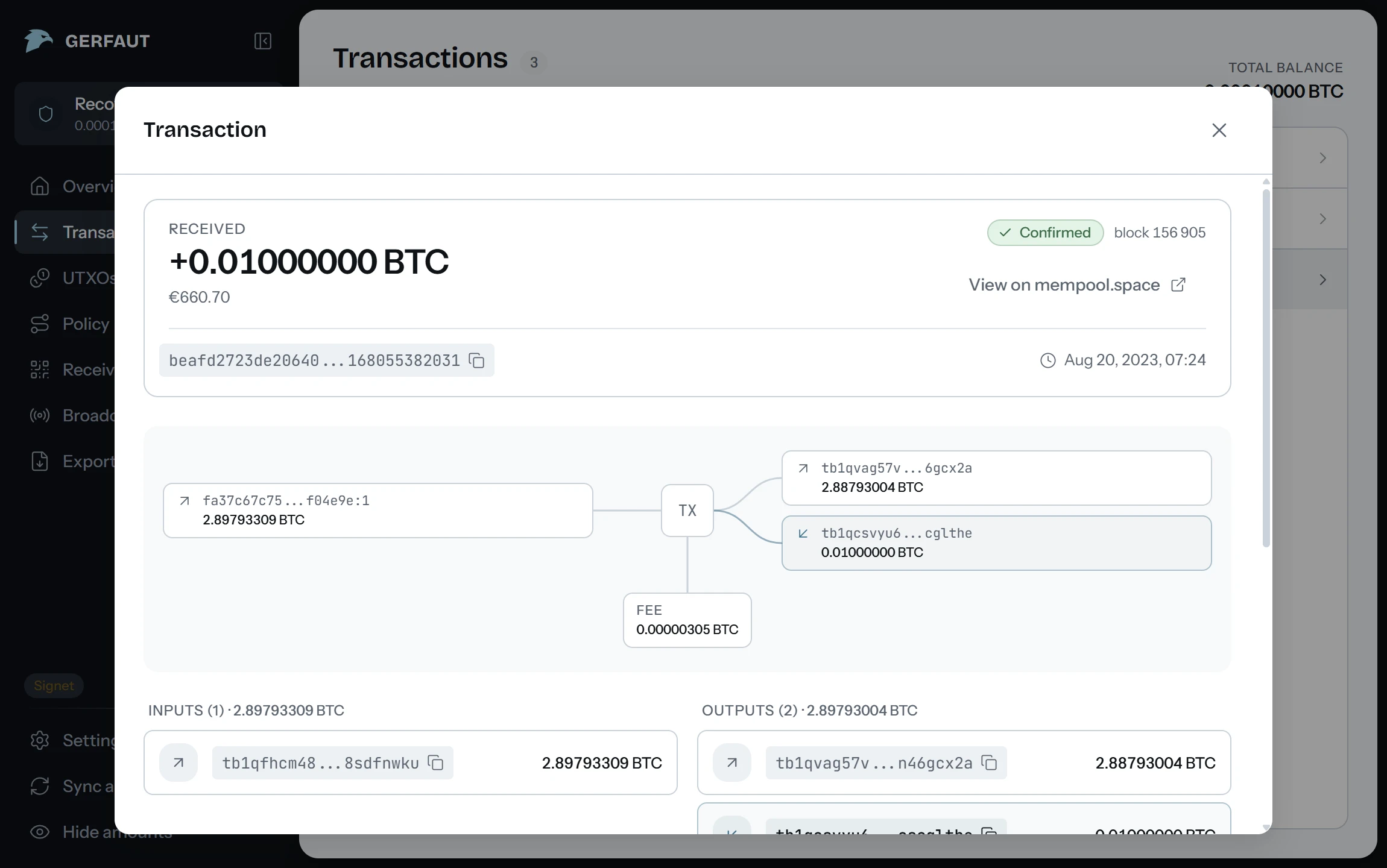
Every transaction, in full.
Open any transaction and see where the coins come from, where they go, and what the fee cost.
One backup, both devices.
Every wallet you watch, encrypted with a password you choose, restored on any device.
- A file, or an animated QR code the phone scans from the desktop screen
- Holds descriptors and addresses, never a private key
- The history of a wallet as a CSV file, filtered by date and direction
- Everything stays on your machines
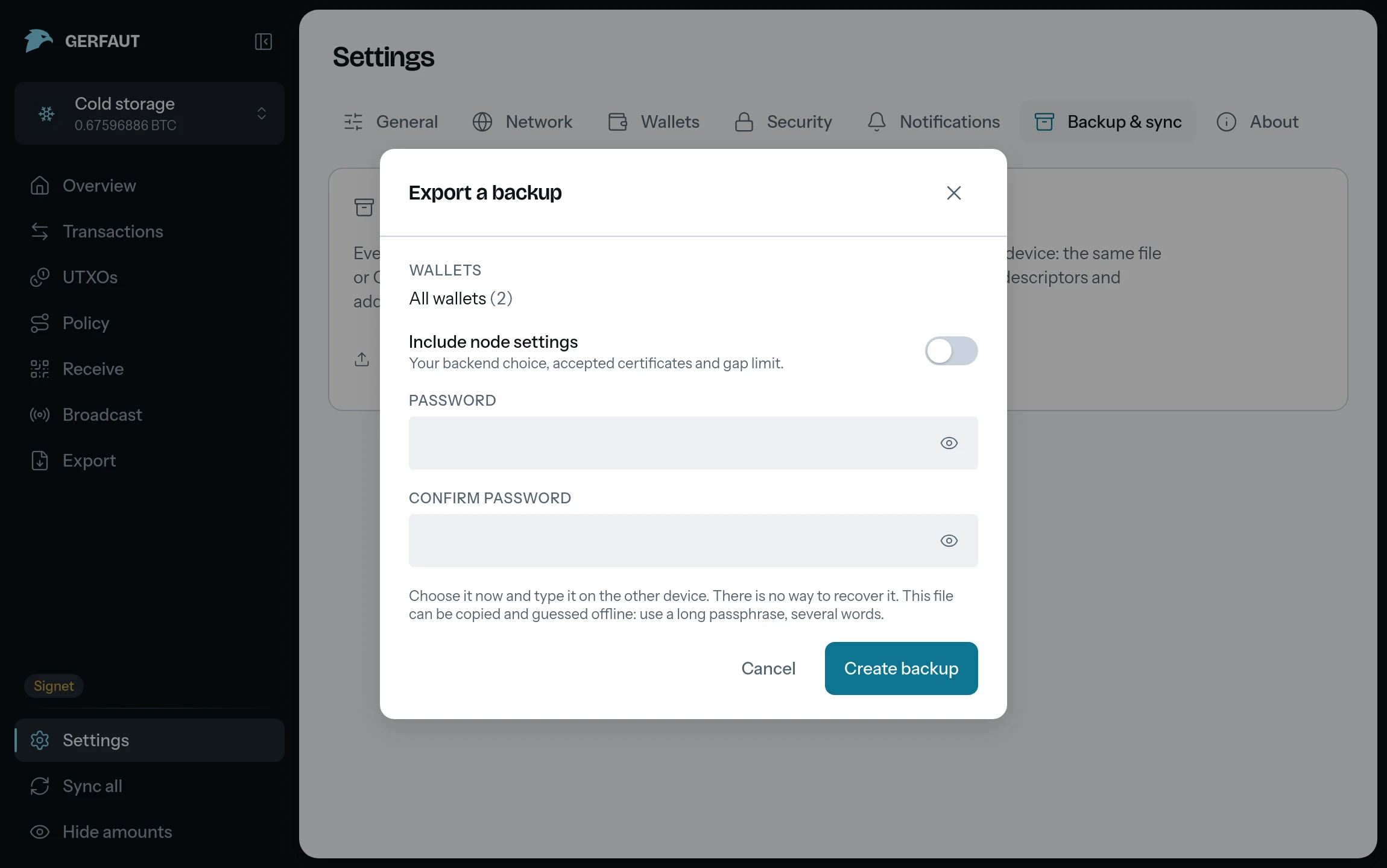
Your node. Tor built in.
Electrum or Esplora, yours or a public one. An .onion backend needs nothing else installed.
- electrs or Fulcrum over TLS or plain TCP, Esplora over HTTPS
- Test the connection before you save it
- Live notifications within seconds over Electrum. Over Esplora, Gerfaut checks a few addresses a minute, in turn, so a payment can take longer to show
- Mainnet, signet, testnet4 and regtest, each with its own backend
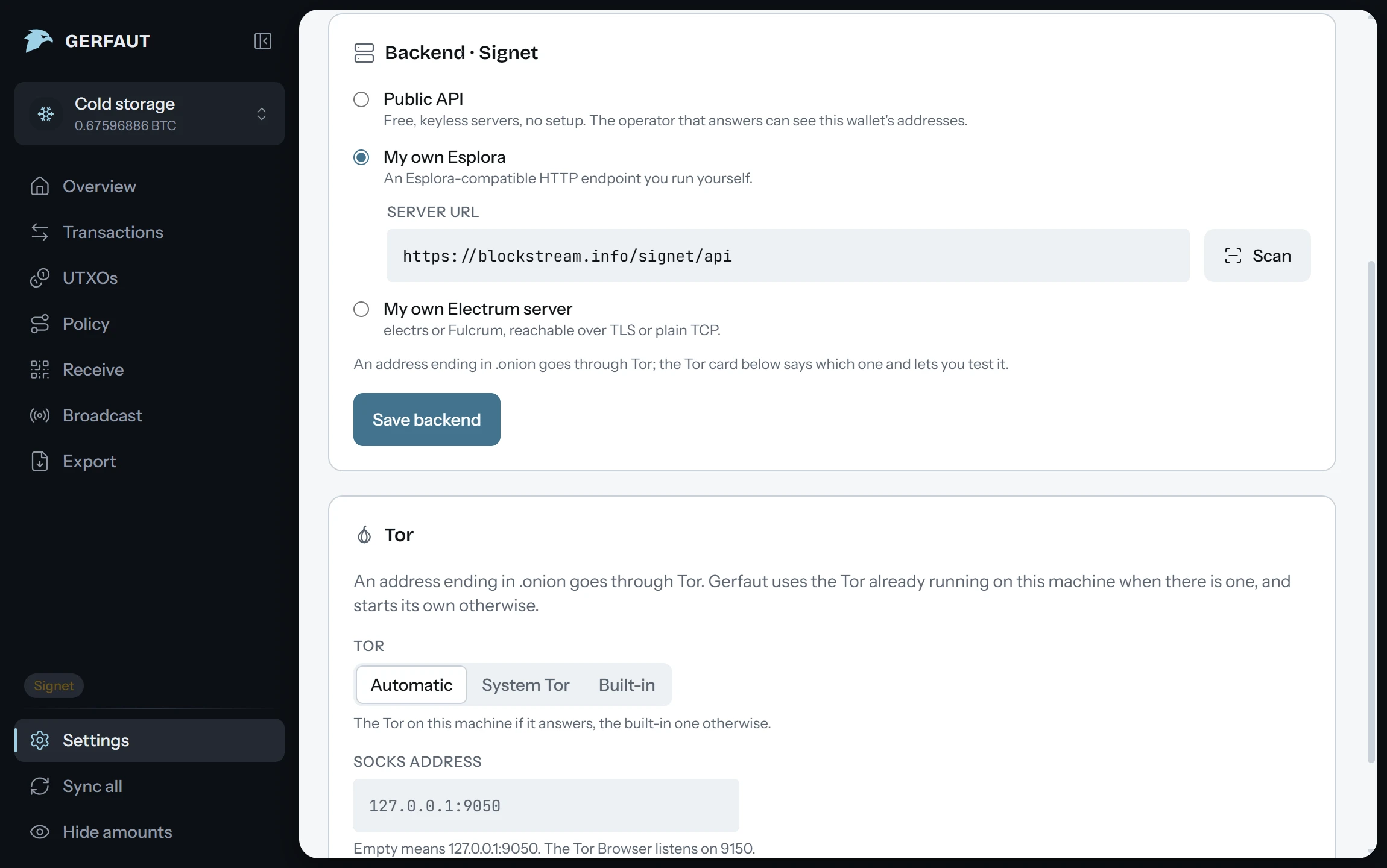
Locked, encrypted, disguised.
The vault is encrypted on disk. The lock is what stops someone holding your unlocked device.
- A PIN or a password to open the app, biometrics on Android
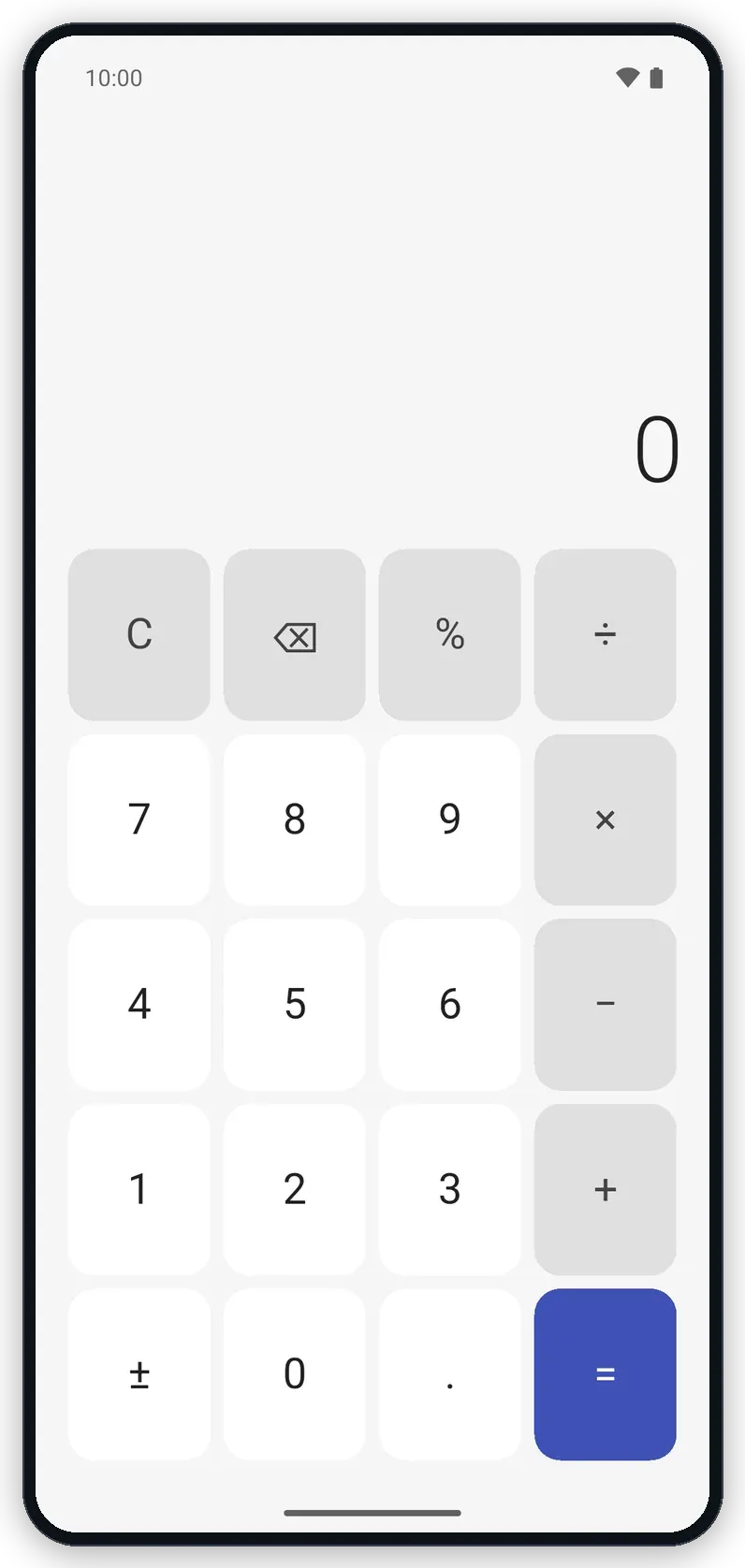
- Stealth mode on Android: a real calculator hides the app, type your PIN and press equals
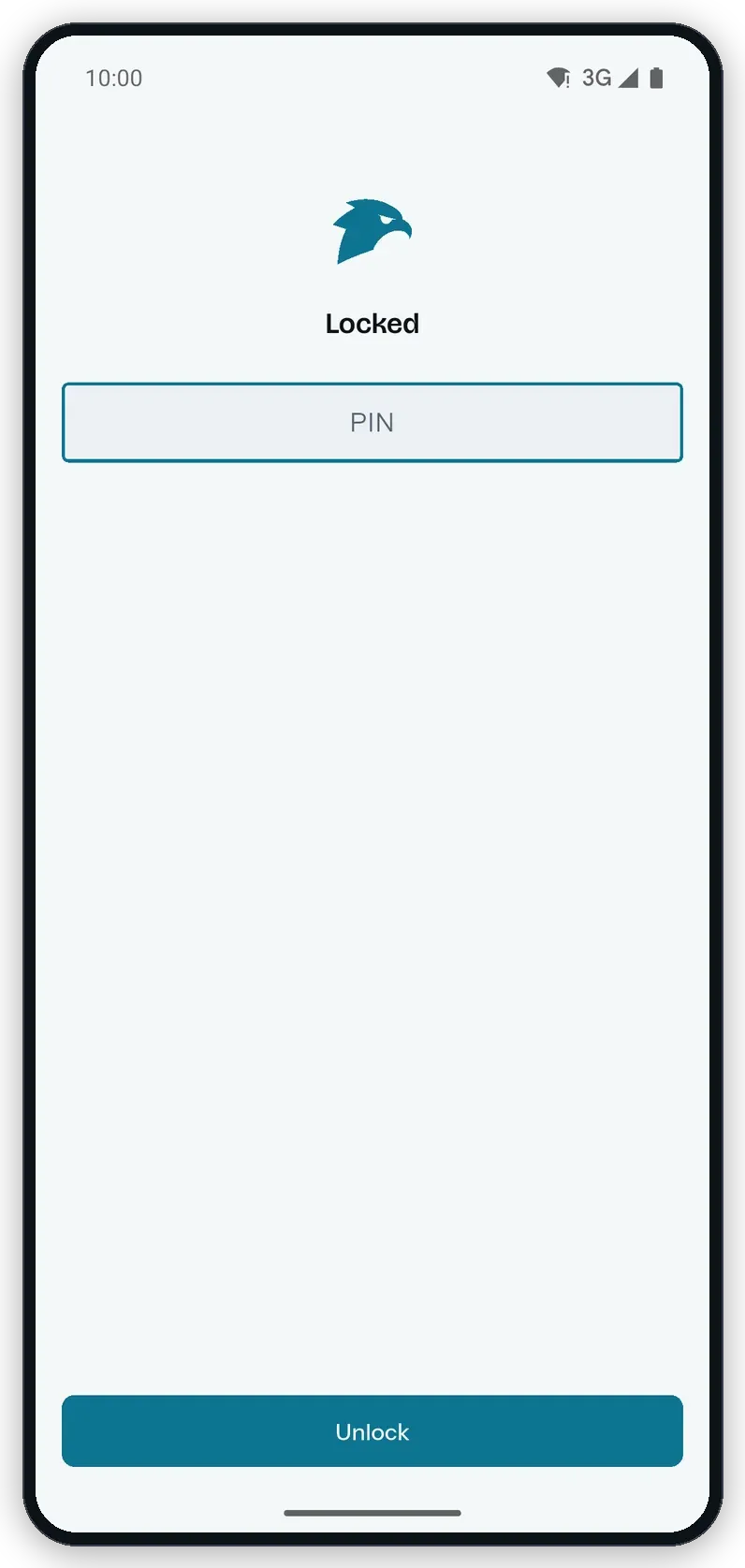
- Locked, Gerfaut shows no wallet, allows no screenshot and stays blank in the recent apps
- Wrong guesses slow down: three tries, then a growing delay
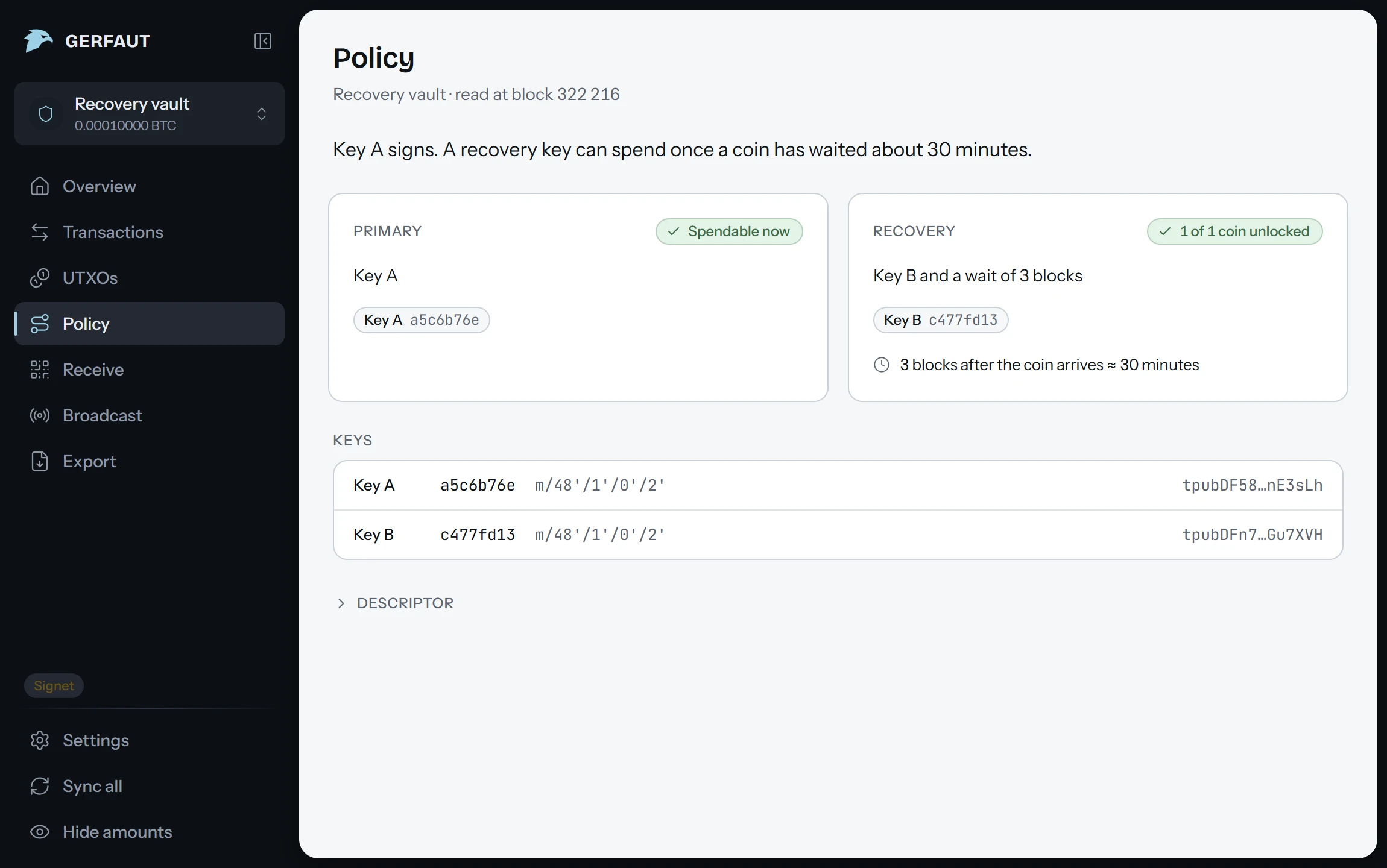
Miniscript, read in plain words.
Every spending path of a descriptor, each timelock counted down to the block it opens.
- Multisig m‑of‑n, sorted or not, and BSMS imports
- Recovery paths and inheritance setups, with the wait left on each coin
- Every signing key with its fingerprint and derivation path
- The raw descriptor, one click away
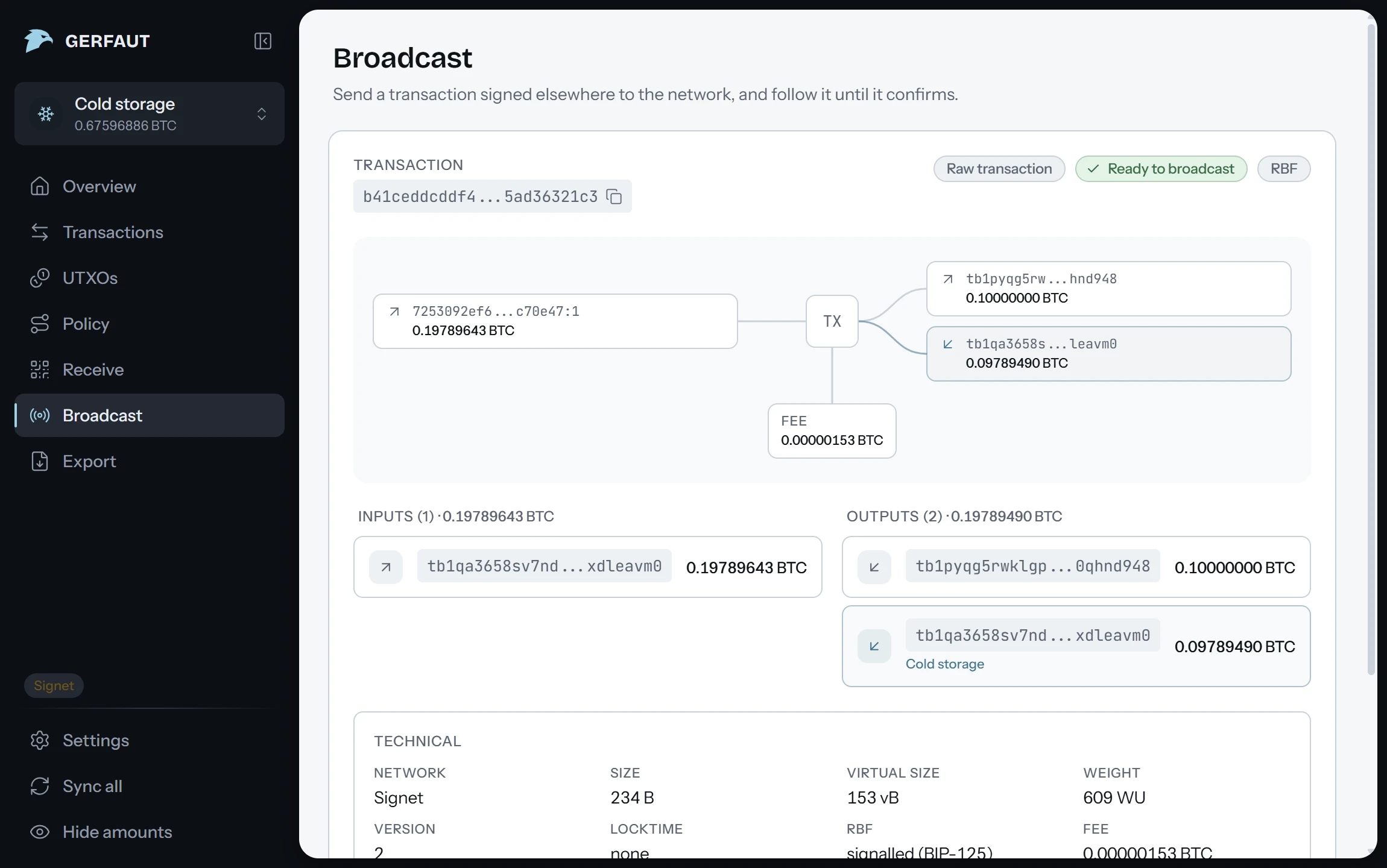
Broadcast raw transactions.
Send a transaction signed elsewhere and follow it until it confirms. Gerfaut never signs.
- Paste a PSBT or a raw transaction, open a file, or scan an animated QR code
- Inputs, outputs and fee drawn before anything leaves
- A warning for anything odd: a missing signature, a high fee, dust
- Sent through the backend you chose, over Tor when that backend is an .onion
Open source
Read the code. Build it yourself.
- AGPL-3.0, the apps and the core alike
- Reproducible builds: rebuild any release on Linux and get the same bytes
- Every release signed with minisign
$ git clone https://github.com/gerfaut-wallet/gerfaut-desktop
$ cd gerfaut-desktop
$ reproducible/verify.sh v0.1.0
rebuilt from the tag in a pinned container
compared byte for byte with the release page
==> VERIFIED