

Get an address
1
Open the Receive page
- Android
- Desktop
Select Receive at the bottom of the wallet page.
2
Check the address
The card reads
Next unused address · index N, the address and its Derivation path, such as m/84'/0'/0'/0/5. A wallet that watches one address reads Watched address instead, with no path. Select the QR code to enlarge it.3
Select Copy address
The button reads
Copied for a moment.- Android
- Desktop
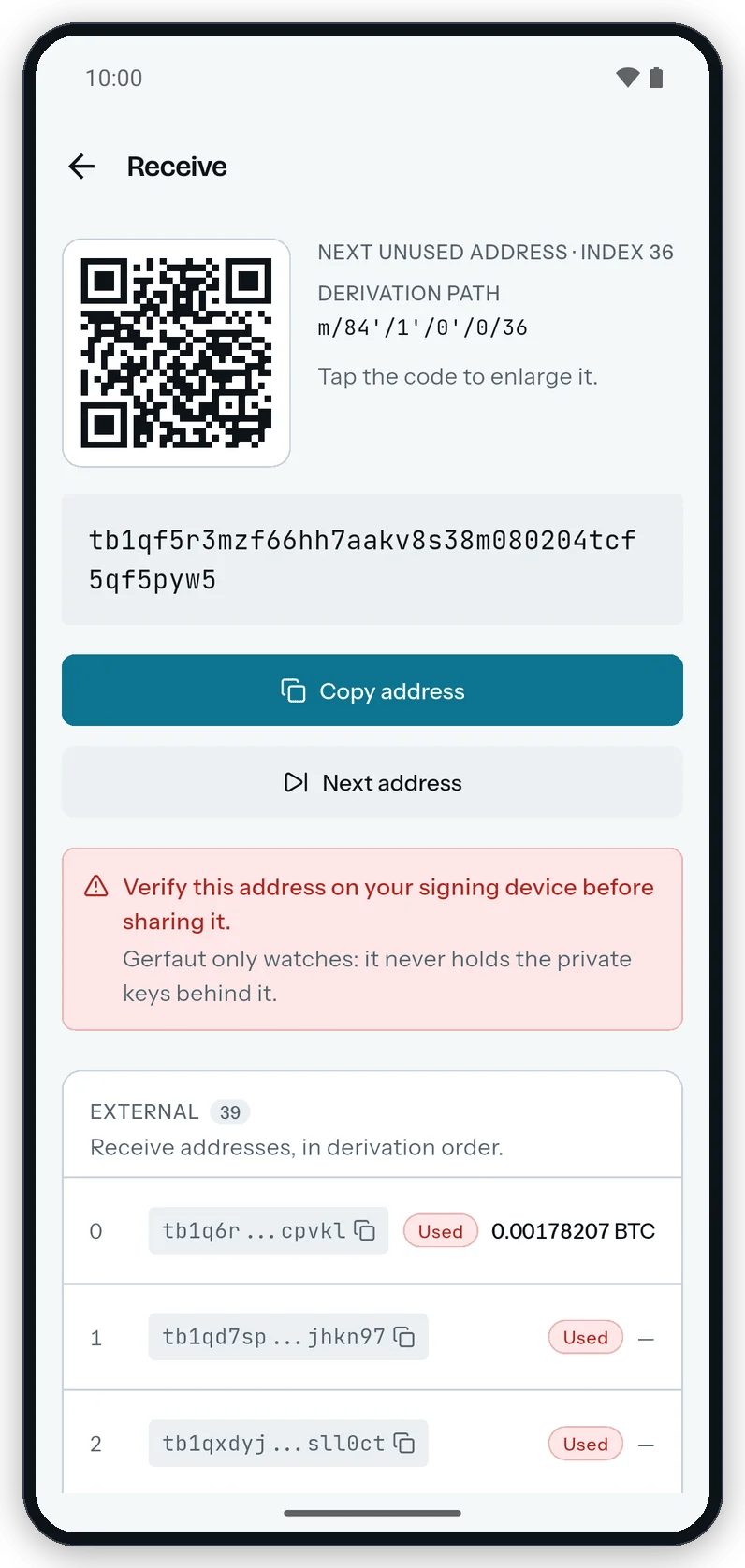
Receive shows the next unused address, its QR code and the reminder to verify it on the signing device.
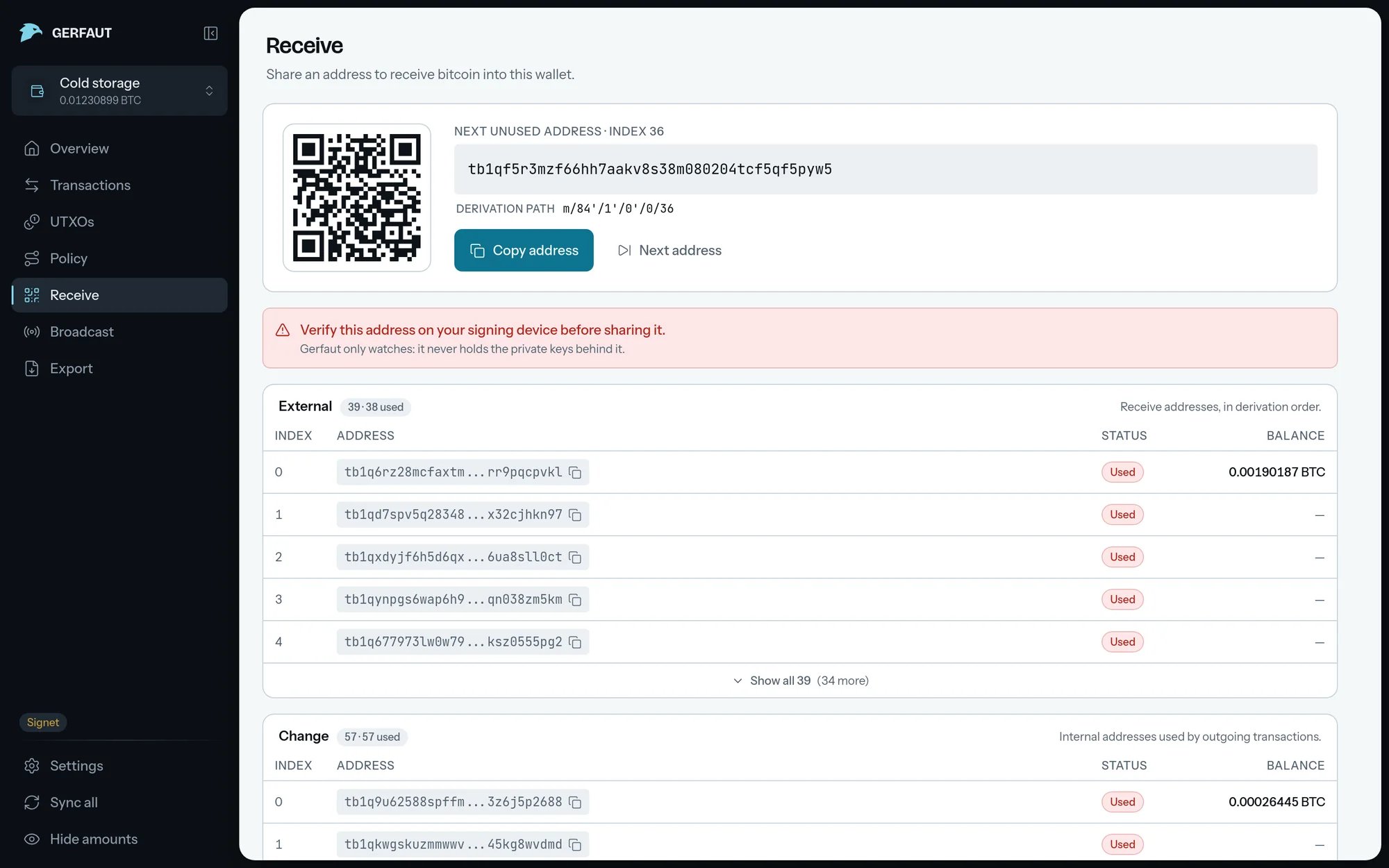
Skip to another address
Select Next address to skip ahead one unused address at a time, and First unused to come back. Skipping marks nothing as used. An address counts as used once a transaction pays it, even before it confirms.Past the gap limit, other wallet software may not see coins sent to that address. The gap limit is 20 by default. Change it in Settings > Wallets.
- Android
- Desktop
Next address skips to another unused address. First unused brings back the first one.
Audit the revealed addresses
Two cards follow:External for receive addresses and Change for the change of outgoing transactions. Each row shows the index, the address, a Used or Fresh pill and the balance on it. Select Show all to see more than five rows, up to the first 200 addresses.
A wallet that watches one address has a single Watched address card instead. See Watch an address.