

Gerfaut is in public beta and has had little testing. Check every address and amount on your signing device before you rely on it. Report anything that looks wrong on GitHub, as Contact explains.
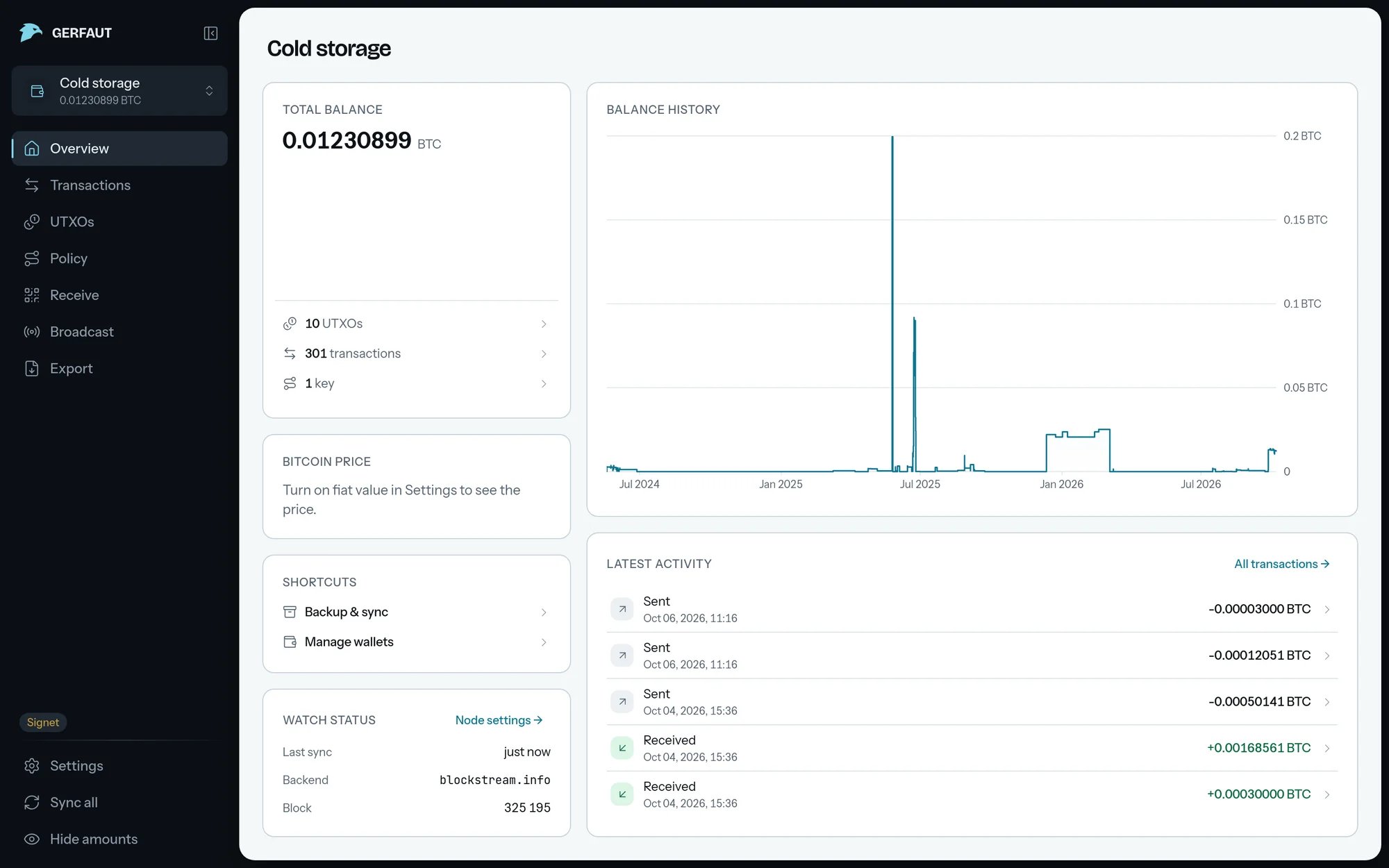
One page shows what the wallet holds, where the data comes from and how the balance moved.
Watch your wallets
- Read the balance: See the balance and history and the UTXOs behind it.
- Open a transaction: Follow its inputs, outputs and fee on one diagram. See Open a transaction.
- Receive: Hand out the next unused address with its QR code. See Receive.
- Read a policy: See every spending path of a Miniscript descriptor, with its timelock counted down. See Read a policy.
- Broadcast: Send a transaction your signing device signed, after Gerfaut reads it back in plain words. See Broadcast.
- Get notified: Get a notification when a transaction reaches the mempool, and again when it confirms. See Notifications.
- Pick the backend: Stay on the public servers or point Gerfaut at your own node,
.onionincluded. See Backend. - Keep it yours: Lock Gerfaut with an app lock and move your wallets with an encrypted backup.
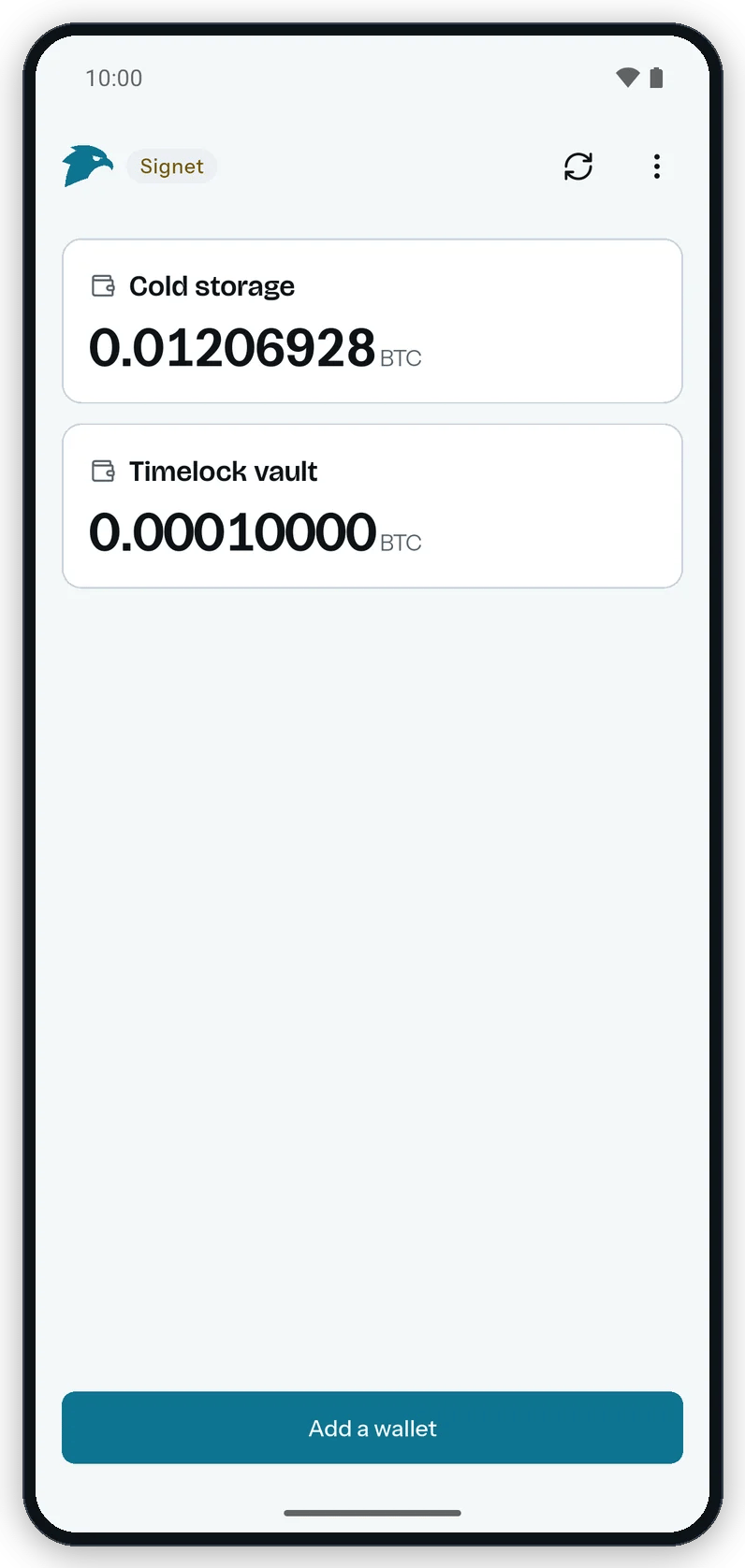
The Android home screen lists every watched wallet with its balance, one network at a time.