

.onion through Tor, with a Tor client built in, so a hidden service works with nothing else to install. Open Settings > Network and find the Tor card under the backend.
Pick which Tor Gerfaut uses
- Android
- Desktop
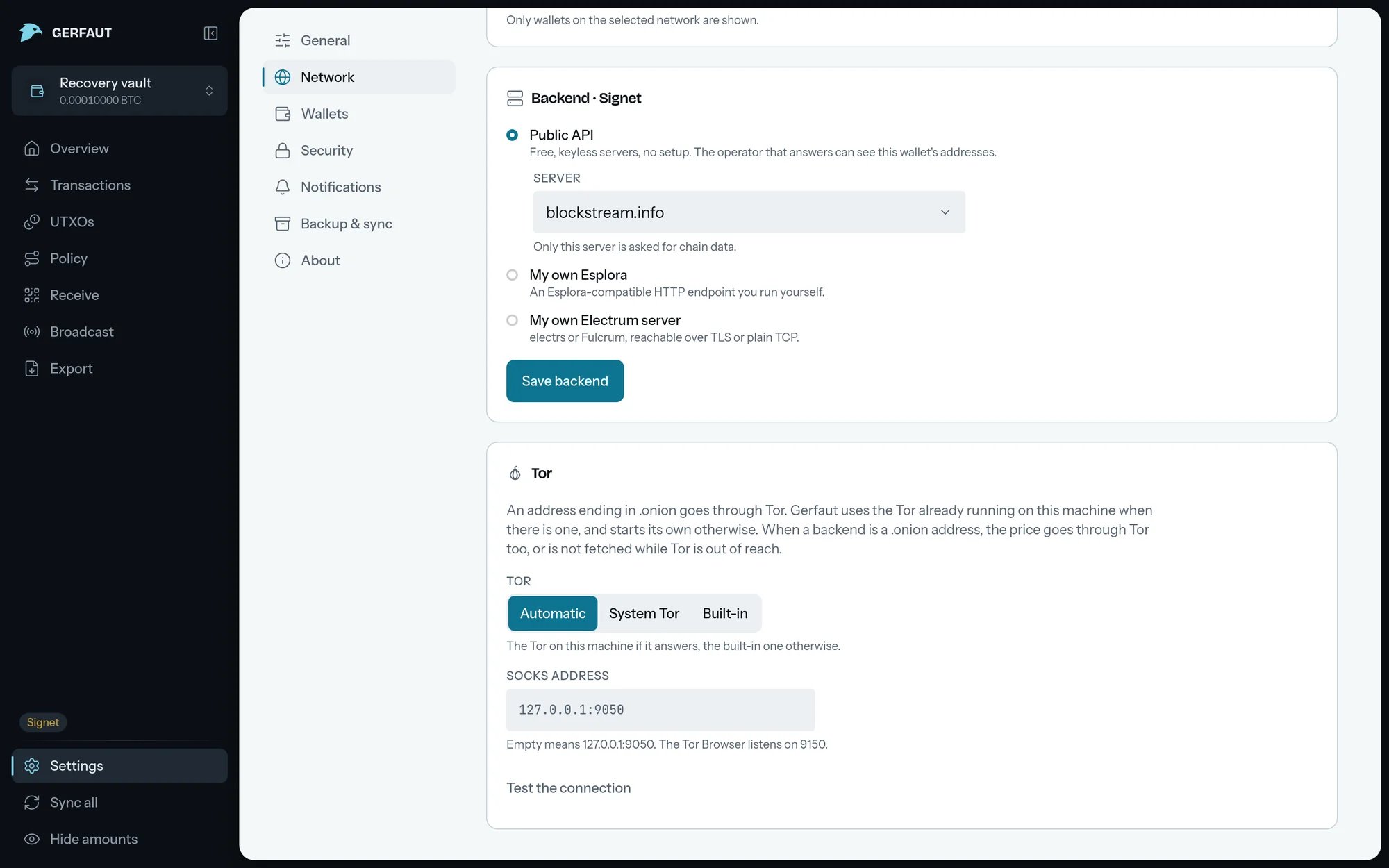
Automatic: Only the built-in Tor, because any app on a phone can answer on the Tor port. This is the default.System Tor: Only a Tor app running on the phone, such as Orbot.Built-in: Only the built-in Tor.
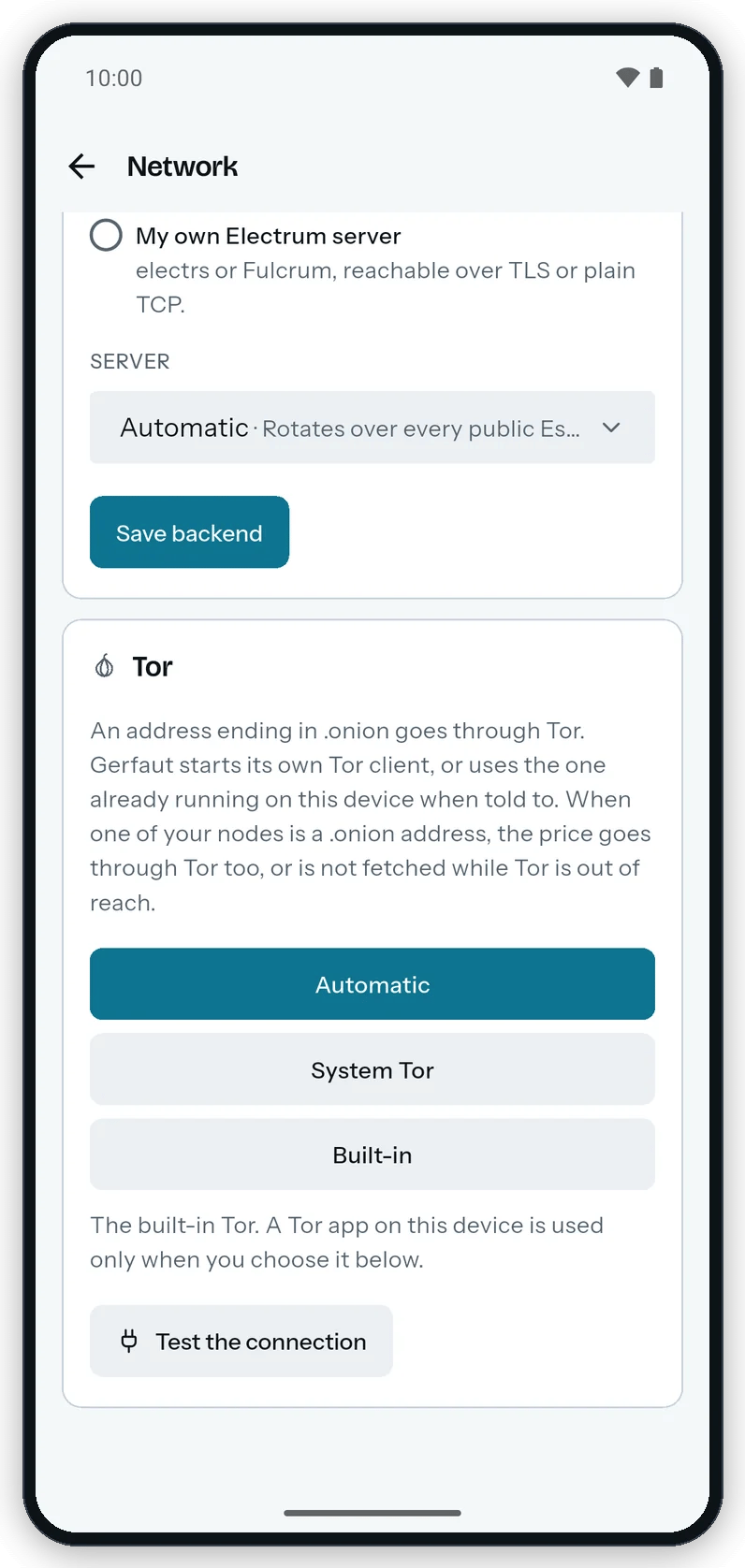
Any .onion backend goes through Tor, either built in or the one already on the device.
Test the route
1
Point the backend at your node's .onion address
Follow Backend and enter the
.onion address of your node.2
Select Test the connection
The built-in Tor takes up to about a minute and a half to start the first time. Meanwhile, the card counts up in steps of ten, such as
Starting the built-in Tor… 40%.3
Read the result
The card reads
Reached through the built-in Tor. or Reached through the system Tor., or says what failed. The test stops at Tor, so the next sync shows whether your node answers.- Android
- Desktop
The card counts up while the built-in Tor starts, then says which Tor answered.
Route other requests through Tor
With a.onion backend, Gerfaut sends these requests through Tor too, and never around it:
- Update check: It goes through Tor as soon as one of your backends is a
.onionaddress. When Tor cannot be reached, Gerfaut sends nothing. The daily check never starts Tor for itself and waits for a Tor that already runs, such as the built-in one once a sync or Live started it. Until then, it tries again each time you come back to Gerfaut on Android, and at each unlock or within the hour on desktop. - Notifications: The live connection goes to the backend itself, through Tor.
- Price: The fiat value, and the price chart on desktop, go through Tor as soon as one of your backends is a
.onionaddress. When Tor cannot be reached, the price line readsTor is not available, so no price was asked.Amounts then show without fiat. - Price widget on Android: It never starts Tor for the price alone. While Gerfaut is closed, it fetches the price only through a Tor that already runs, such as the built-in one a sync started, or Orbot under
System Tor. Otherwise it keeps the last price, with its date.